

Creating a README from scratch feels deceptively simple until you are staring at a blank file at 11 PM, trying to remember which sections actually matter. This is exactly why readme templates save time in ways most developers and students underestimate. A README, or Read Me file, is the front door of any project. When that door is confusing or missing key information, everyone pays for it in wasted minutes and missed context. Templates give you a scaffold that works before you even type a single word.
Table of Contents
Key takeaways
| Point | Details |
|---|---|
| Templates remove decision fatigue | A standardized structure means you stop redesigning your README layout on every new project. |
| Quick Start sections cut onboarding | Keeping setup to five steps or fewer gets collaborators working faster and reduces back-and-forth questions. |
| Automation multiplies template value | Pairing templates with generators like readmegen produces a professional README in seconds, not hours. |
| README drift costs real time | Outdated documentation causes debugging delays; templates make updates easier and less error-prone. |
| Best practices compound over time | Consistent template use across projects builds a documentation habit that saves cumulative hours. |
Why readme templates save time through structure
Think of a README template as a checklist that already knows what your project needs. Instead of asking yourself “Should I include a Tech Stack section?” every single time, the template answers that question for you before you open the editor.
Standardized structure keeps quality consistent across projects and removes the rework that comes from forgetting a critical section. That matters whether you are a student submitting a portfolio project or a professional shipping an internal tool to a team of twenty.
Here is what a well-designed template typically locks in for you:
-
Project title and description so readers immediately understand what they are looking at
-
Installation and usage instructions formatted in Markdown for scannability
-
Contributing guidelines so collaborators know the rules without asking
-
License information to protect your work and signal intent
-
Badges and status indicators that communicate project health at a glance
The cognitive load reduction is real. Templates enforce predictable content shapes, which prevents the “wall of text” problem and speeds up future edits. When every README in your portfolio follows the same structure, you spend zero time reformatting and all your time on the content that actually differs between projects.
Pro Tip: Save your preferred template in a GitHub Gist or a dedicated repository so you can pull it into any new project in under thirty seconds.
How templates speed up onboarding
The first thing a new collaborator or recruiter does with your README is scan it. They are not reading every word. They are looking for the answer to one question: “How do I get this thing running?”

A template that includes a dedicated Quick Start section answers that question before they have to ask. Simplifying Quick Start to five steps or fewer dramatically lowers onboarding time by reducing the cognitive load on anyone who is new to the project. If your setup guide runs longer than that, the template itself signals that you need to simplify, not just document.
Consider what this looks like in practice across a semester of student projects or a quarter of professional work:
-
Without a template, each README gets a different structure, forcing every new reader to reorient from scratch.
-
With a template, the Quick Start is always in the same place, always formatted the same way, always scannable.
-
Collaborators stop sending “how do I run this?” messages because the answer is obvious and immediate.
-
Recruiters reviewing a portfolio spend less time confused and more time impressed.
Structured README documentation also supports reusability and findability, which means less time re-explaining the same setup details across different audiences. That is not a small benefit. Multiply even five minutes of saved explanation time across ten projects and you recover almost an hour of work without changing a single line of code.
Manual writing vs. templates with automation
Here is an honest comparison of what actually happens when you write a README manually versus using a template paired with a generation tool.
| Approach | Time to first draft | Consistency | Effort on repeat projects |
|---|---|---|---|
| Manual writing from scratch | 30 to 60 minutes | Low, varies by mood and memory | High, repeats all decisions |
| Template only | 10 to 20 minutes | High, structure is fixed | Medium, still fills all sections |
| Template plus generator | Under 2 minutes | Very high, automated from metadata | Low, only project-specific details remain |
Manual README writing produces inconsistencies because you are making formatting decisions under time pressure. You forget sections. You invent new structures. You come back three weeks later and cannot remember why you organized it that way.
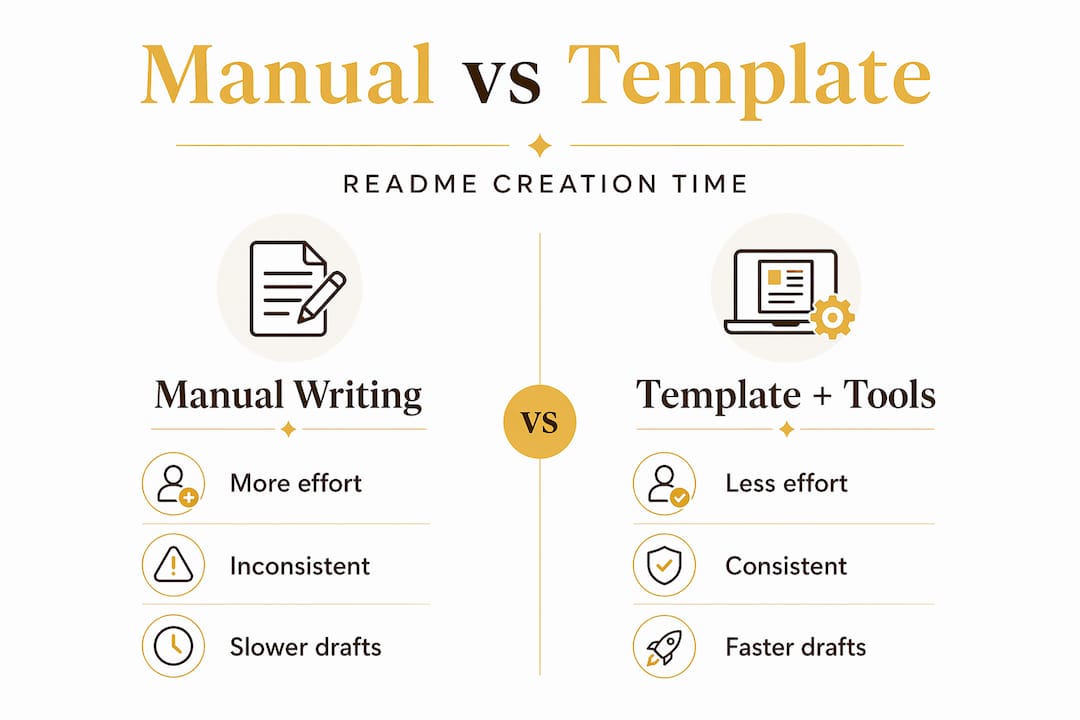
Interactive wizards and CLI tools like readmegen generate a complete README.md in seconds by pulling from project metadata and template structures. The only work left is filling in the details that are genuinely unique to your project.
Modular sections like “About,” “Tech Stack,” and “Contributing” function as reusable blocks. You swap in project-specific content without redesigning the surrounding structure. That is where the real time savings compound.
Pro Tip: If you use GitHub, set up a repository template with your preferred README file already included. Every new repo you create will start with your structure in place, not an empty file.
Preventing README drift and the debugging tax
Here is a scenario that will feel familiar. You update a configuration file in your project but forget to update the README. Three weeks later, a teammate spends 40 minutes debugging a setup issue because the README was pointing to an abandoned config format. That is README drift, and it is one of the most invisible time thieves in any project.
Templates help prevent drift in two concrete ways. First, they encode a consistent format that makes it obvious when a section is stale. Second, they create a maintenance habit. When your README has a clearly labeled “Configuration” section because the template put it there, you are more likely to update it when the configuration changes.
Outdated or misleading README files cause more time loss than missing files entirely. At least a missing file tells you nothing. A wrong file sends you in the wrong direction with false confidence.
A few habits that templates make easier to maintain:
-
Version-stamp your README by including a “Last Updated” field in your template so staleness is immediately visible.
-
Separate setup instructions into their own file and use the README as a summary, which reduces conflicting information and makes targeted updates faster.
-
Treat README updates as part of your commit checklist rather than an afterthought you remember later.
The structured separation of concerns approach, where the README summarizes and links to detailed setup files, reduces the risk of conflicting instructions and cuts debugging time significantly over a project’s life.
Best practices for using readme templates effectively
Knowing that templates save time is one thing. Getting the most out of them in your actual workflow requires a few deliberate choices.
-
Match the template to the project type. A data science project needs different sections than a web app or a command-line tool. Keep a small library of two or three templates tailored to your most common project types rather than forcing one template to do everything.
-
Keep Quick Start genuinely quick. If your template’s Quick Start section has grown to eight steps, trim it. Move advanced setup details to a separate file. The goal is a new user running your project in under two minutes.
-
Use modular sections as building blocks. Not every project needs a “Roadmap” or “FAQ” section. Repository templates help you avoid repeated setup by giving you a starting point you can trim rather than a blank file you have to build up.
-
Schedule a README review with every major release. Set a calendar reminder or add it to your release checklist. Five minutes of review prevents hours of confusion later.
-
Pair your template with automation wherever possible. Documentation templates are effective productivity tools precisely because they reduce cognitive overhead. Adding a generator on top of that removes even the mechanical work of filling in boilerplate fields.
Pro Tip: Create a personal README style guide alongside your template. Even a short bullet list of your formatting preferences, like whether you use sentence case for section headers or how you format code blocks, saves time when you return to a project after months away.
My honest take on README templates
I have watched developers spend forty-five minutes crafting a README from scratch for a project that took twenty minutes to build. That imbalance is not dedication to documentation. It is the absence of a system.
What I have learned from working across dozens of projects is that the biggest time saver is not the template alone. It is combining a solid template with a generation tool so that the boilerplate is handled before you sit down to write. The only work left is the thinking that only you can do.
The mistake I see most often is treating the README as a one-time artifact. Teams write it at launch and never touch it again. Then six months later, a new contributor spends an afternoon troubleshooting a setup that changed in month two. That is not a documentation problem. It is a maintenance habit problem, and a well-structured template makes the right habit easier to build.
There is also a reputational angle that people underestimate. A clean, well-structured README signals that you care about your work. Recruiters notice. Open-source contributors notice. A README that follows a clear, professional structure communicates competence before anyone reads a single line of your code.
Think of your README as a project map. When the map is accurate and easy to read, everyone moves faster. When it is outdated or confusing, everyone gets lost. Templates keep the map reliable.
Take your documentation further with Loadout
If you are ready to move beyond manual templates and into a workflow that handles the scaffolding for you, Loadout is worth a serious look.
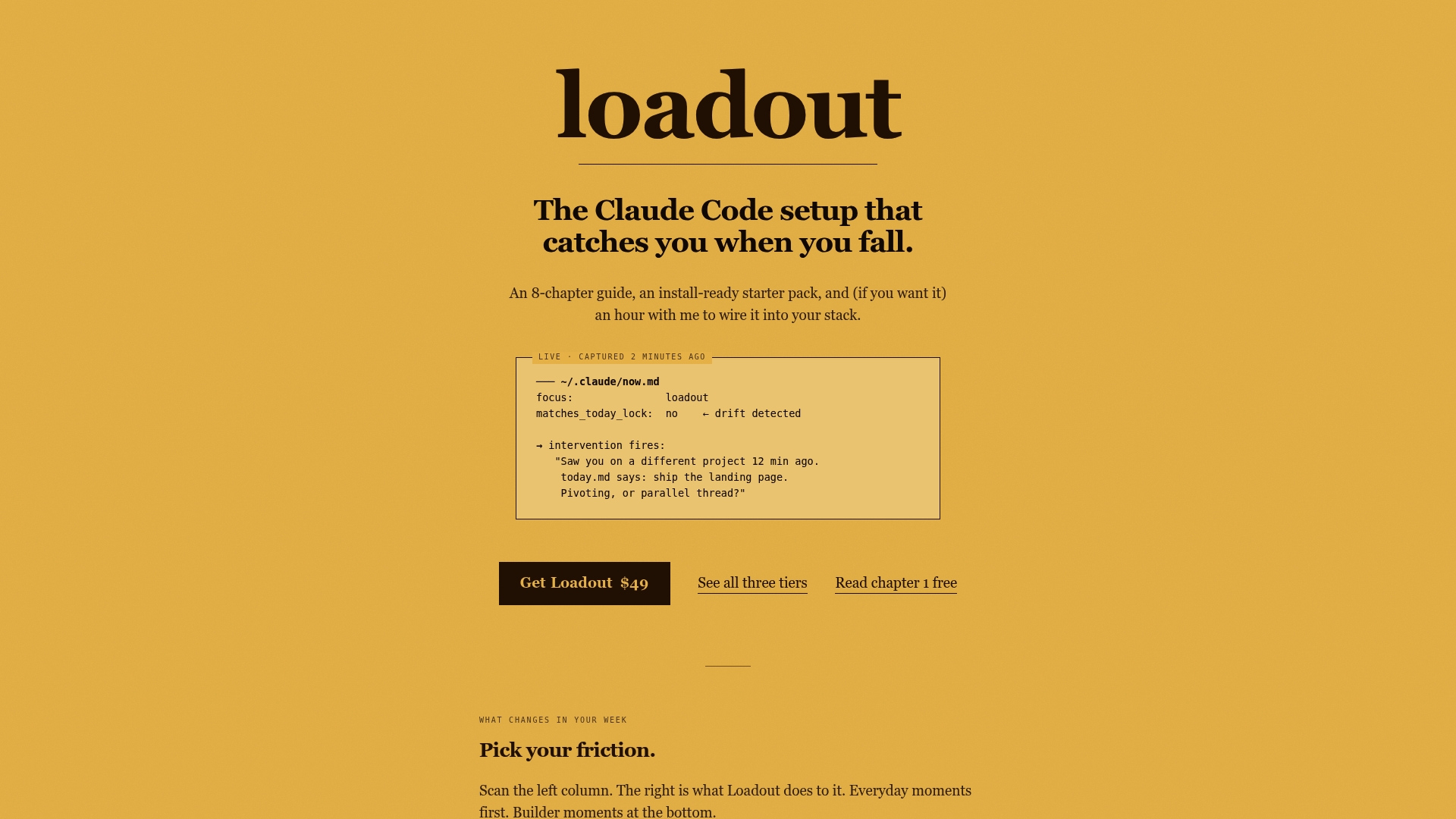
Loadout is a structured starter pack built specifically for users of Claude Code who are tired of rebuilding their setup from scratch on every project. It combines ready-to-use templates, automated context management, and a cohesive workflow system that turns scattered notes and disjointed processes into a repeatable system. You get a quick start with project setup that covers documentation, workflow hooks, and session management in one place. If the ideas in this article resonated, Loadout is the practical next step for putting them into action at full speed.
FAQ
What are the main benefits of readme templates?
README templates save time by providing a standardized structure that removes repeated formatting decisions, keeps quality consistent across projects, and ensures critical sections are never accidentally omitted.
How do readme templates help with onboarding?
Templates that include a dedicated Quick Start section get new users or collaborators from zero to a working setup faster. Keeping that section to five steps or fewer reduces confusion and cuts the back-and-forth questions that slow teams down.
Can I use readme templates with automation tools?
Yes, and that combination produces the largest time savings. Tools like readmegen generate a complete README from project metadata in seconds, leaving you to fill in only the details that are unique to your specific project.
What is README drift and how do templates prevent it?
README drift happens when documentation falls out of sync with the actual project, causing confusion and debugging delays. Templates make drift more visible by encoding a consistent structure that signals when a section looks stale, and they support the update habits that keep documentation accurate.
How often should I update my README?
Review your README with every major release or significant configuration change. A five-minute review on a regular schedule prevents the kind of outdated instructions that cost teammates hours of troubleshooting time.